XPP Lab
XPPAUT's engine, with a modern interface and a Python package.
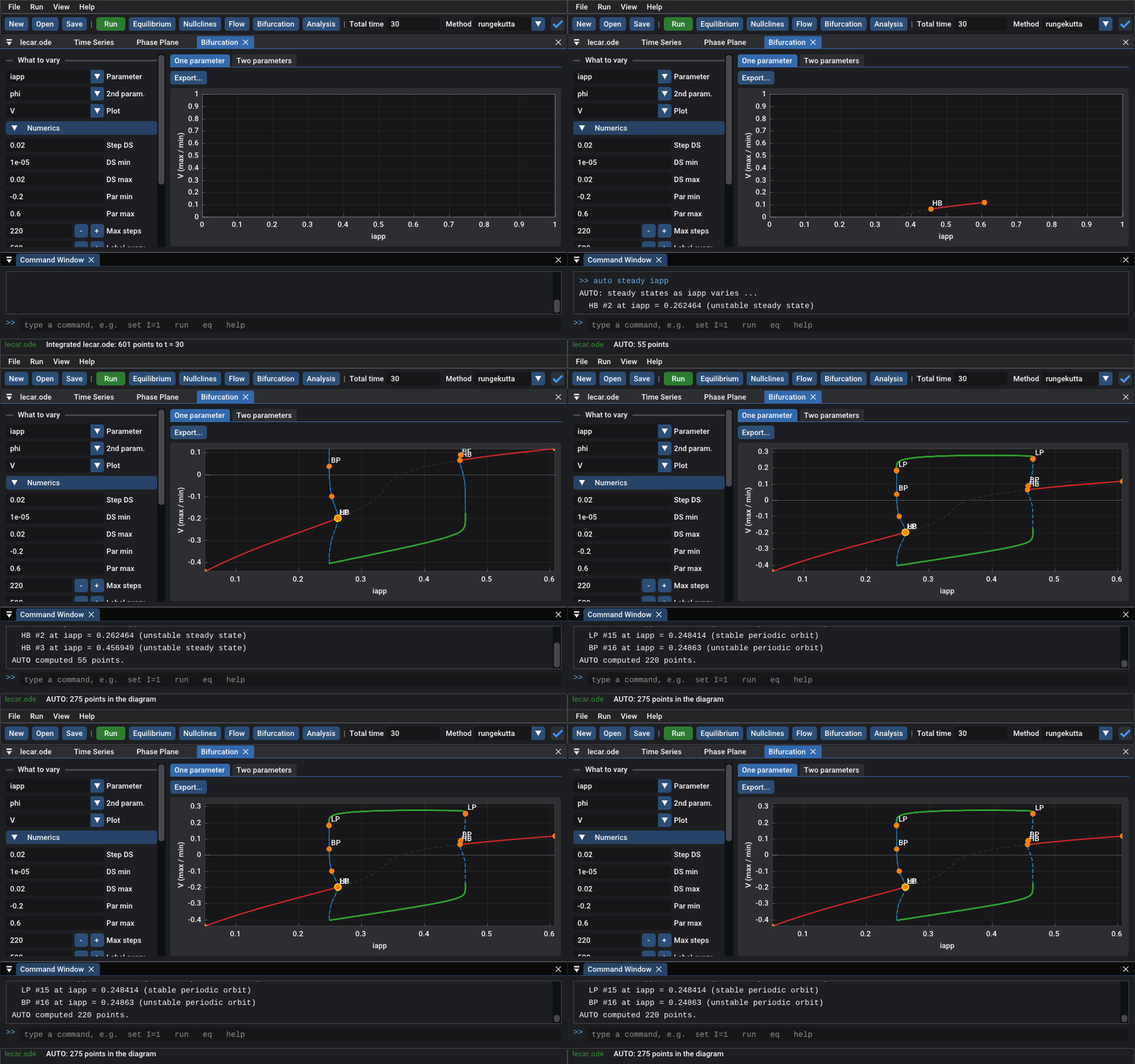
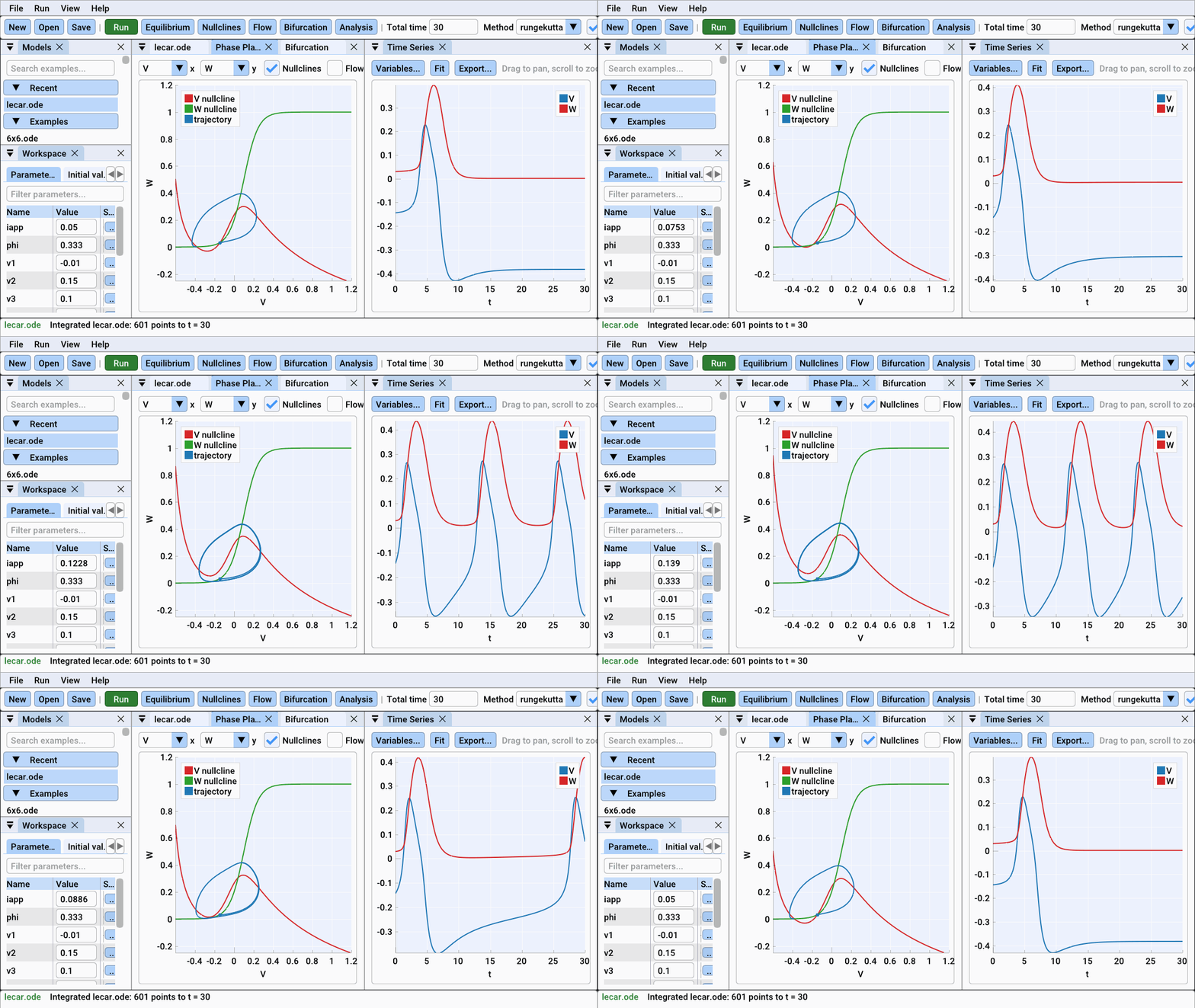
Simulate differential equations, maps, delay and stochastic equations. Explore phase planes with nullclines and flow. Compute bifurcation diagrams with AUTO. XPP Lab runs XPPAUT 8.0's own numerical code, natively on Windows, macOS and Linux, with no X11 server and no Fortran compiler.
Download and install it: a zip for Windows, a disk image for macOS, a tarball for Linux, and a wheel for Python. Nothing else is needed.
Two ways to use it
The desktop app is a workbench in the spirit of MATLAB. It has dockable windows, an editor that points at errors, a slider for every parameter with live re-simulation, interactive plots, a bifurcation window, a command window and this manual built in. Get started with the app.
The Python package runs the same engine, AUTO included, from scripts and notebooks:
import xpplab as xs

m = xs.load("lecar.ode")
sol = m.run(total=200)
d = m.auto.equilibria("iapp")
m.auto.continue_from(d.first("HB"), "periodic")
m.auto.diagram.plot("V")
Why XPP Lab
- Your models work. Any XPPAUT
.odefile loads unchanged. - The numbers are XPPAUT's. Every example model is checked bit for bit against unmodified XPPAUT 8.0.
- AUTO without the pain. No Fortran, no build: continuation runs inside the app and from Python.
- Made to be learned. Tutorials, a full reference, and more than a hundred example models in the gallery.